


Handheld Gaming Console
 15,000+ Built-in Games, Ready to Play
High Performance
& HD Display
Up to 10 Hours
of Battery Life
Free Returns Within 30 Days
15,000+ Built-in Games, Ready to Play
High Performance
& HD Display
Up to 10 Hours
of Battery Life
Free Returns Within 30 Days
BLACK FRIDAY MONTH
50% Off Today
⚠️ Last products in stock: 6 remaining
Couldn't load pickup availability

🚚 Estimated delivery between 18/05 and 20/05
Delivery within 1 week
Delivery within 1 week
Your order will be prepared within 1 to 3 business days and shipped free of charge.
During busy periods, delivery times may be slightly longer. Thank you for your understanding.
Product details
Product details
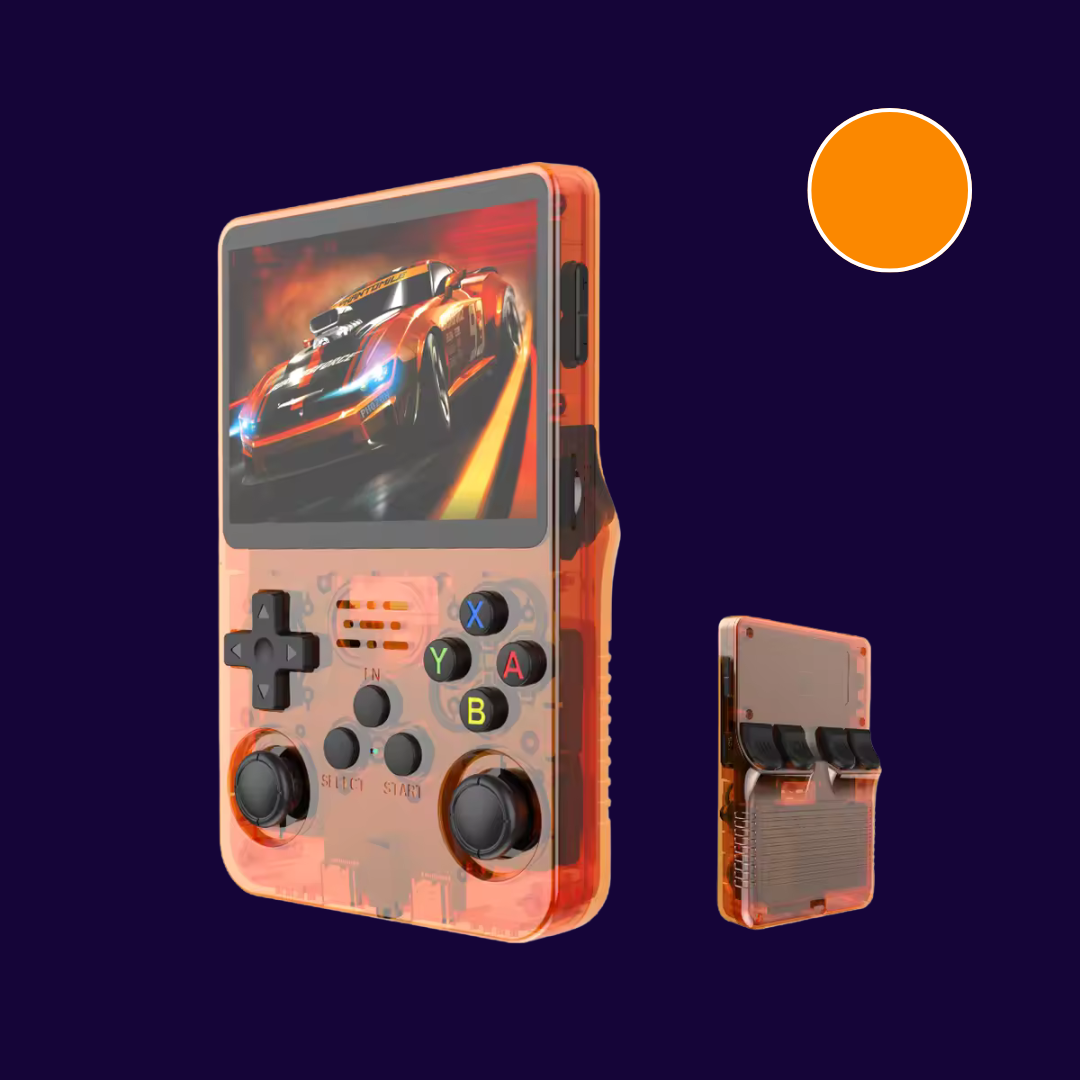
64GB HANDHELD GAMING CONSOLE – POWERFUL, COMPACT, READY TO PLAY.
Main Features:
- High-performance Linux system
- 3.5-inch HD IPS screen for sharp and bright visuals
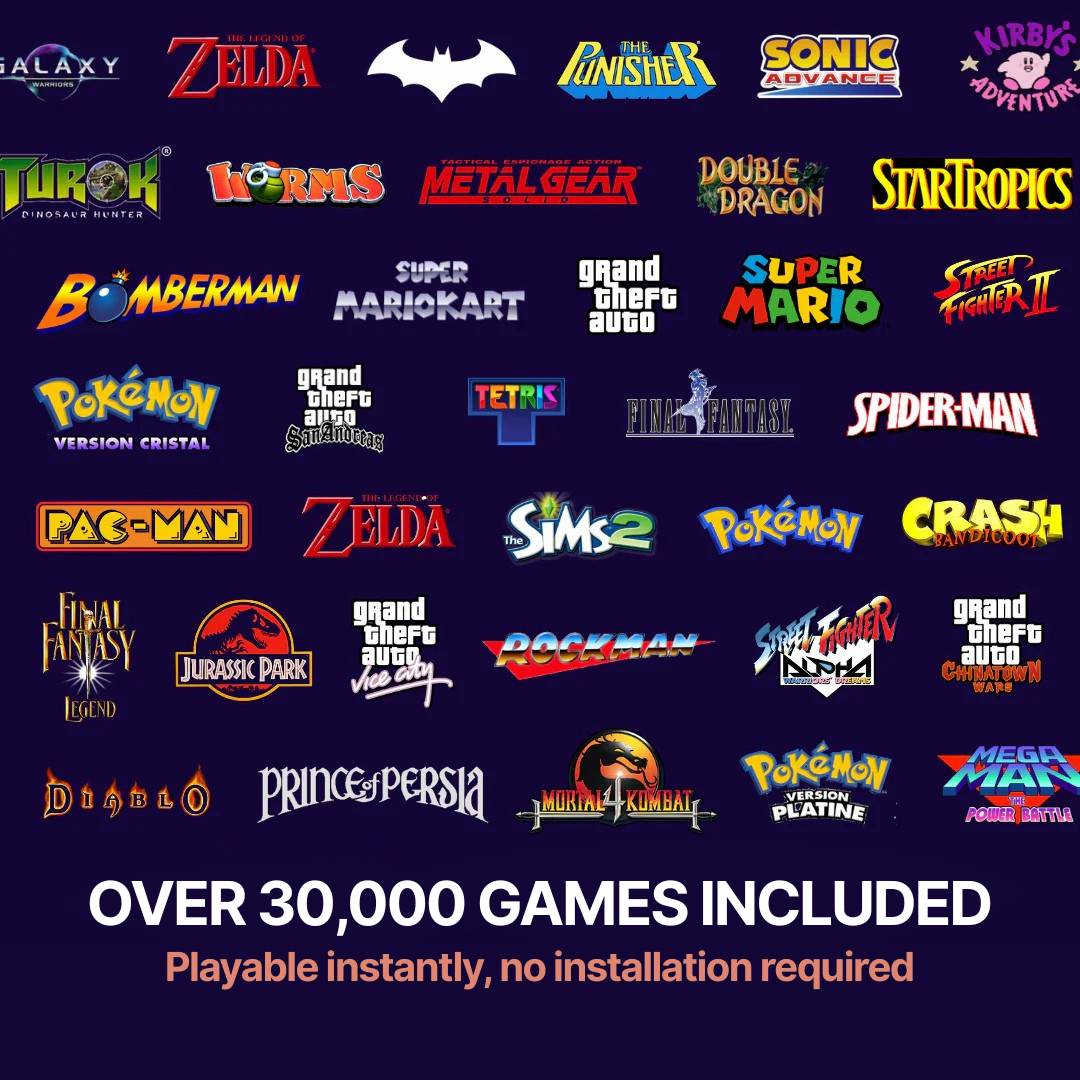
- 15,176 built-in games, ready to play instantly — no installation required
- Integrated emulator: add your own games easily
- Quad-core Cortex-A35 64-bit processor for smooth gameplay
- Long-lasting battery — up to 10 hours of uninterrupted playtime on a full charge
Available Languages: French, English, German, Spanish (EU & LATAM), Italian, Portuguese (EU & BR), Dutch, Swedish, Polish, Russian, Greek, Turkish, Korean, Japanese, Chinese (Simplified & Traditional), Ukrainian
Box Contents:
- 1 × Handheld gaming console
- 1 × Charger
- 1 × OTG adapter (for large-screen output)
- 1 × Complete user manual
60-Day Money-Back Guarantee
60-Day Money-Back Guarantee
You can return your order within 60 days of receipt if you’re not completely satisfied.
A full refund will be processed once your item has been received and checked at our warehouse.




-


-
-
30+ RETRO CONSOLES & 15K+ GAMES IN ONE DEVICE
-
(Re)discover the greatest classics of video gaming with a single device that brings together the Nintendo 64, Game Boy, PlayStation, PSP, Sega Megadrive, Dreamcast, NES, Neo Geo, and many more!
Relive your childhood memories with legendary titles like Pokémon, GTA, Zelda, Super Mario, Final Fantasy, Sonic, and Crash Bandicoot — for a 100% retro, 100% authentic gaming experience.
-


-
-
PLAY IN MULTIPLAYER MODE
-
Thanks to the Wi-Fi multiplayer mode, challenge your friends or play cooperatively with ease. Our console delivers a smooth multiplayer experience that stays true to the retro gaming spirit.
-

-
HIGH RESOLUTION & ALL-DAY BATTERY LIFE
-
Enjoy a bright, high-resolution screen with clear and smooth visuals. The battery offers up to 10 hours of playtime with fast charging support.
Questions fréquentes
What games are included on the PlayerZone 3GX console?
The PlayerZone console comes with over 15,000 games.
Among the available titles: Mario, Zelda, GTA, Pokémon, Sonic, Final Fantasy, Metal Slug, Tekken, Street Fighter, Castlevania, Donkey Kong, Crash Bandicoot, Mega Man, Mortal Kombat, and many more!
How to play in multiplayer mode?
The 3GX console allows you to play in multiplayer mode.
This version uses Wi-Fi to let multiple players play together on a selection of compatible games.
Where can I find the full game list?
A partial list (over 50% of the catalog) of the preinstalled games on the 3GX console is available here: https://cdn.shopify.com/s/files/1/0953/6398/9807/files/Liste_des_jeux_PlayerZone.pdf?v=1757441668
✅ All of these games come preinstalled.
➕ You can also easily add your own games.
Are there only retro games?
No, despite its retro design, the PlayerZone 3GX console is not limited to old-school games.
It also supports many modern titles such as God of War: Chains of Olympus, GTA Vice City Stories, Monster Hunter Freedom Unite, Dragon Ball Z: Shin Budokai, Tekken 6, Naruto Ultimate Ninja Heroes, Assassin’s Creed Bloodlines, Pokémon, and many more!
Are all Pokémon games available?
Yes, all Pokémon games are available on the PlayerZone console.
You’ll find classics like Pokémon Red, Blue, Yellow, Gold, Silver, Crystal, Ruby, Sapphire, Emerald, Diamond, Pearl, Platinum, Black, White, Stadium 1 & 2, Snap, Colosseum, XD, and many others.
How can I find a specific game on the console?
The 3GX console includes several features that make it easy to find your favorite games — search function, favorites list, well-organized folders, and more.
If you have questions about a particular game you’d like to see installed on your console, feel free to contact us by email or via WhatsApp using the widget above.
Can I save my progress in the games?
Absolutely. The console allows you to save your progress at any time, even in older games that originally didn’t include this feature.
Is there any lag or slowdown in the games?
No, the console ensures a smooth gaming experience thanks to its powerful processor and a design specifically optimized for emulation — even for the most graphically demanding titles.
Is the graphic quality enhanced or faithful to the original games?
Games are emulated to faithfully reproduce the original graphics.
However, like most modern consoles dedicated to retro gaming, the 3GX also allows you to play in higher resolutions, including HD and 4K.You can also adjust display settings to fine-tune the visuals — optimizing clarity while keeping the authentic retro look.
How to Add Games to the PlayerZone Console
Step 1: Gather the Necessary Equipment
Before you begin, make sure you have the following items:
- microSD card (recommended capacity: 32GB minimum)
- microSD card reader to connect it to your computer
- ROM files of the games you want to install
Step 2: Connect the microSD Card to Your Computer
Insert the microSD card into the reader.
Then, plug the reader into your computer.Step 3: Open the “EASYROMS” Folder
Open your file explorer on your computer.
Access the contents of the microSD card.
Look for the folder named EASYROMS.Inside, you’ll find subfolders already organized by console type (e.g. NES, NDS, SNES).
Step 4: Add Your Game ROMs
Download the ROMs of the games you want to install (make sure they are compatible).
Drag each ROM file into the corresponding subfolder inside the EASYROMS directory.
Example: place NES games in the folder named “NES”.
Step 5: Insert the microSD Card into the Console
Once your files are copied, safely eject the microSD card.
Insert it into your 3GX console.Step 6: Turn On the Console
Power on your console.
Your games should now appear in the console’s menu, ready to play.💡 Useful Tips
ROM Organization:
Keep your games sorted into the correct console folders for smoother navigation.Compatibility Check:
Ensure the ROMs you add are supported by the emulators built into the 3GX console.Regular Backups:
Don’t forget to back up your files and save data regularly to avoid data loss.- Choosing a selection results in a full page refresh.
- Opens in a new window.
-
-
